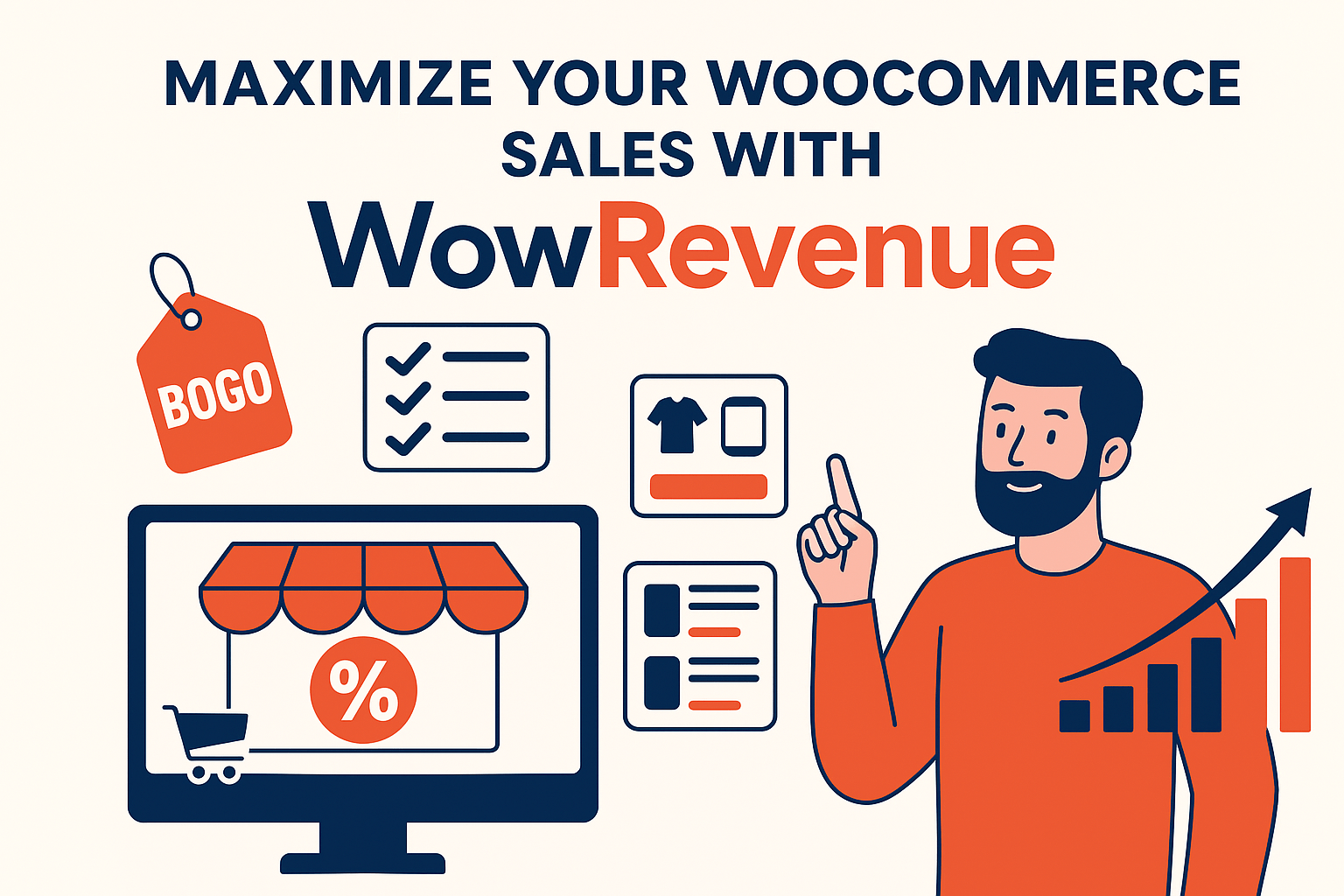
If you’re running an online store using WooCommerce, you’re probably always looking for new ways to increase your sales. That’s where WowRevenue comes in!
It’s a smart, easy-to-use plugin that helps you create special offers like Buy One Get One, Frequently Bought Together bundles, and volume discounts—all without needing to touch a single line of code.
Let’s break down how WowRevenue can help your store grow faster and sell more products with less effort.
🛍️ What Is WowRevenue?
WowRevenue is a plugin for WooCommerce stores. It helps you set up different types of promotional offers and campaigns to increase the amount customers spend in your store.
Instead of using several different tools or hiring a developer, you can do everything right from your WordPress dashboard—with just a few clicks!
🎯 Why Store Owners Love WowRevenue
✅ Super Easy to Use
No need to be a tech expert. The setup takes just minutes.
✅ Ready-Made Campaign Types
You can choose from different campaign styles like:
- Volume Discounts – Give a discount when customers buy more items.
- Buy One Get One Free (BOGO) – A fun way to sell more!
- Frequently Bought Together – Show matching products as bundles.

✅ Works with Your Store
WowRevenue works smoothly with any WooCommerce store and most themes.
✅ Track Your Results
See how much extra money you’re making from each campaign with built-in reports.

🧪 Real Example: Headphone Store Boosts Sales with WowRevenue
Let’s say you run an online electronics store. You’re selling wireless headphones.
🎯 Campaign 1: Volume Discount

- Offer: Buy 1 – No discount
Buy 2 – 10% off
Buy 3 or more – 20% off - Result: More customers buy 2 or 3 instead of 1!
🎯 Campaign 2: Frequently Bought Together
- Main Product: Wireless Headphones
- Suggested Bundle: Case + Charging Cable + Ear Cushions
- Offer: 15% off if all are bought together
- Result: Customers buy accessories too, increasing total sales.
💥 In just one month, the store saw a 40% increase in revenue using WowRevenue campaigns!

🧰 How to Set Up WowRevenue in 3 Easy Steps
✅ Step 1: Install the Plugin
- Go to your WordPress dashboard.
- Search for WowRevenue in the plugins section.
- Install and activate it.
✅ Step 2: Create a Campaign
- Click Add New Campaign.
- Choose your campaign type (Volume, BOGO, Bundle, etc.).
- Select products and set the discount.
✅ Step 3: Launch and Watch Sales Grow
- Customize the look (pop-up, product page notice, etc.).
- Hit publish. That’s it!
- View results in your dashboard.

📈 Pro Tips to Maximize Results
- 💡 Use eye-catching banners or popups to show offers.
- ⏱ Add countdown timers for urgency.
- 🛒 Show bundle suggestions just before checkout.
- 🔄 Keep testing different discounts to see what works best.
- 📊 Check the analytics every week and adjust your offers.
🏁 Final Thoughts
If you want to:
- Sell more products,
- Increase your average order value,
- And offer smarter deals that actually convert…
… then WowRevenue is a must-have tool for your WooCommerce store.
It’s beginner-friendly, powerful, and works in minutes. You don’t need coding, and you don’t need a big marketing team.
🚀 Ready to Get Started?
👉 Try WowRevenue today and start boosting your WooCommerce sales with zero stress.