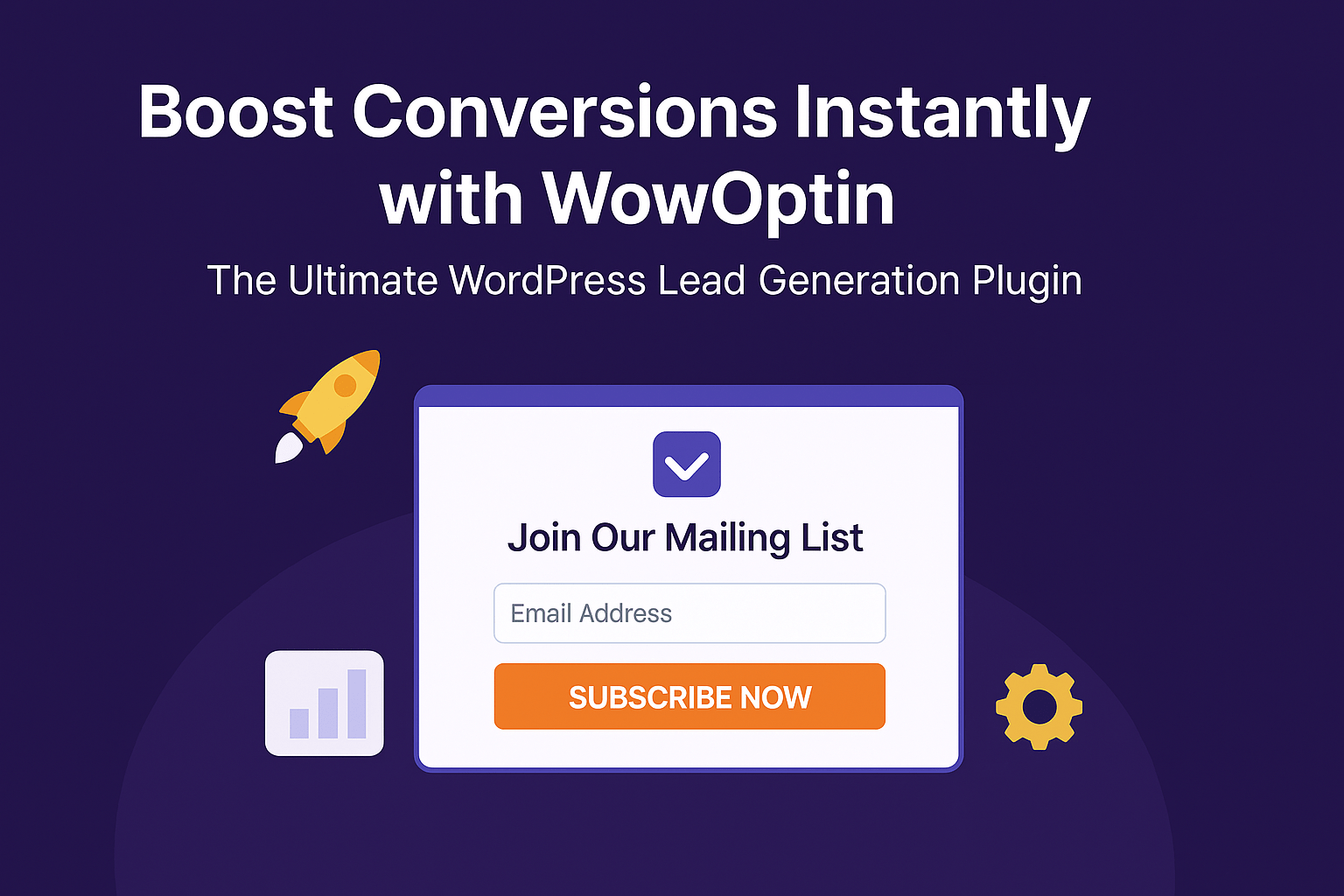
In today’s competitive online world, email marketing remains one of the most powerful tools to grow your business. But how do you build that email list effectively? Introducing WowOptin — a powerful and lightweight WordPress plugin designed to convert visitors into subscribers with beautifully crafted opt-in forms, popups, and more!
Whether you’re running a blog, online store, or business website, WowOptin makes lead generation easier than ever.
🌟 What is WowOptin?
WowOptin is a conversion-optimized WordPress plugin that lets you create attractive and high-performing opt-in forms without writing a single line of code. From exit-intent popups to inline forms, it offers multiple ways to grab your visitors’ attention and turn them into loyal subscribers.
🧩 Key Features of WowOptin
Here’s why WowOptin stands out from the crowd:
| Feature | Benefits |
|---|---|
| Drag-and-Drop Builder | Easily design popups and forms visually without code. |
| Multiple Display Types | Popups, slide-ins, banners, inline forms, and more. |
| Exit-Intent Technology | Detects when users are about to leave and shows targeted popups. |
| Targeted Campaign Rules | Show specific messages based on device, page, scroll, or referral source. |
| Mail Integration | Works with Mailchimp, MailerLite, ConvertKit, and more. |
| Lightweight & Fast | No impact on website speed or performance. |
| WooCommerce Ready | Show product-based optins to boost sales and recover carts. |
✨ Use Cases with Examples
1. Welcome Discount Popup for New Visitors
Want to offer a 10% discount to new users? Set a First Visit Trigger with WowOptin and show a welcome popup offering the discount in exchange for an email address.

🖼️ Suggestion: A stylish popup with “Get 10% Off Your First Order!” and an email input field.
2. Exit-Intent Popup to Reduce Bounce Rate
When a visitor is about to leave your website, WowOptin triggers an exit-intent popup offering something valuable, like a free eBook, discount, or newsletter signup.

🖼️ Suggestion: A minimal popup saying “Wait! Before you go…” with a call to action.
3. Blog Inline Opt-ins
Embed opt-in forms inside blog content. These forms feel natural and get higher engagement without being intrusive.

🖼️ Suggestion: A form embedded mid-article saying “Like what you’re reading? Subscribe for more!”
4. Cart Recovery for WooCommerce
If a logged-in user adds a product to the cart but doesn’t check out, show a targeted opt-in on the cart or checkout page with a limited-time offer.

🖼️ Suggestion: A WooCommerce page with a floating offer banner at the bottom saying “Complete your purchase now and get 5% off!”
🛠️ How to Get Started with WowOptin
Step 1: Install the Plugin
Go to your WordPress dashboard → Plugins → Add New → Search “WowOptin” → Install & Activate.
Step 2: Create Your First Campaign
Click on WowOptin → Add New and choose your opt-in type (Popup, Inline, Slide-in, etc.)
Step 3: Design Your Opt-in Form
Use the drag-and-drop builder to style your headline, message, input fields, and buttons.

Step 4: Set Display Rules
Control when and where the popup appears—on specific pages, after a delay, or with exit intent.
Step 5: Connect Your Email Provider
Integrate with your preferred service like Mailchimp, ConvertKit, or others.
Step 6: Publish and Grow
Hit publish, and you’re done! Now just watch your subscriber list grow 📈
🔥 Why Marketers Love WowOptin
“We used WowOptin to boost our blog signups by 45% in just a month!” – A WordPress Blogger
“The exit-intent popup helped us recover 30% of abandoned carts.” – A WooCommerce Store Owner
✅ Final Thoughts
If you’re serious about growing your email list, reducing cart abandonment, and increasing user engagement, WowOptin is your go-to WordPress plugin. It’s fast, easy to use, and designed with conversion in mind.
Start capturing leads and boosting your revenue today—without annoying your visitors.