AI is becoming a powerful part of WordPress. With Model Context Protocol (MCP), AI tools can connect to WordPress and interact with site data and functionality. This opens exciting possibilities—but it also creates a new security responsibility.
So, is MCP safe for WordPress?
It can be, but only when access is configured carefully.
What Does MCP Actually Do?
Think of MCP as a bridge between an AI assistant and your WordPress website.
For example, instead of manually opening WordPress and creating a post, you could ask an AI assistant:
“Create a draft post about WooCommerce automation.”
An MCP connection can allow the AI to communicate with WordPress and perform that task.
WordPress’s MCP Adapter can expose specific WordPress Abilities as tools that AI agents can discover and execute.
And this is where security becomes important.
The Biggest Security Risk: Too Much Access
Imagine giving someone a key to your house.
If that key only opens your front door, the risk is limited. But if it also opens your safe, office, and garage, the consequences of losing it are much bigger.
MCP access works similarly.
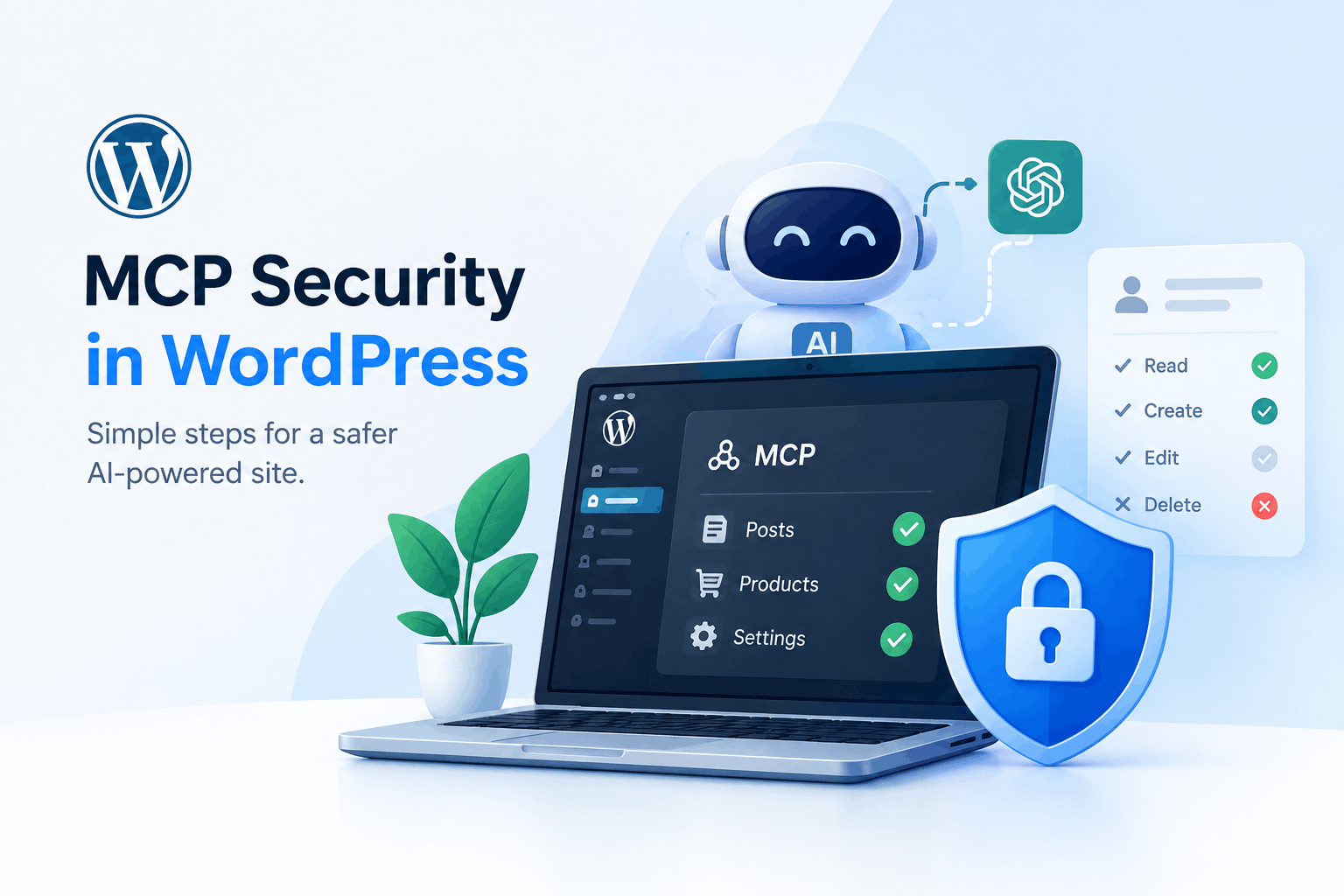
An AI connection should have only the permissions it actually needs.
For example:
- Reading published posts → relatively limited access
- Creating drafts → more access
- Editing products → higher risk
- Deleting posts or WooCommerce data → very sensitive
WordPress recommends checking user capabilities and using appropriate permissions rather than giving unrestricted access.
5 Important MCP Security Practices
1. Use a Dedicated WordPress User
Don’t automatically connect MCP using your main Administrator account.
Create a dedicated user with only the capabilities required for your workflow.
2. Prefer Read-Only Access
If your AI only needs to read products, orders, or content, don’t give it permission to modify or delete them.
The WordPress MCP guidance specifically recommends preferring read-only abilities for publicly accessible MCP endpoints.
3. Be Careful With Destructive Actions
Actions such as deleting posts, changing settings, modifying users, or changing WooCommerce data should have strong permission checks.
Never assume that an AI will always understand the consequences of an action.
4. Protect Authentication Credentials
MCP connections may use credentials such as Application Passwords. Treat them like passwords.
Don’t put them inside public GitHub repositories, screenshots, tutorials, or shared configuration files.
WordPress recommends revoking an MCP connection’s application password when access is no longer needed.
5. Keep Everything Updated
Your WordPress core, plugins, themes, MCP-related plugins, and AI integrations should be kept updated.
WordPress specifically recommends keeping WordPress and installed plugins and themes up to date as a fundamental security practice.
MCP Is Powerful—So Treat It Like a New Door
MCP itself isn’t something WordPress users should automatically fear. The important question is:
“What can my AI connection access and what can it change?”
Start with the minimum permissions, use dedicated accounts, protect credentials, review AI-generated actions, and monitor important activity.
The future of WordPress will likely involve much more AI-driven automation. MCP can make that future extremely useful—but security should be part of the setup, not something you think about afterward.